


Top 9 Best Video Downloaders for Mac (Free Incl.)




With the vast amount of video content available online, many users are also looking for an efficient and reliable video downloader to save videos from websites for offline viewing. In this article, we will review the top 9 video downloaders for Mac in terms of key features, ease of use, and their pros and cons. We also provide a comparison chart and how-to guide to help you make an informed decision.
The 9 Best Video Downloaders for Mac
#1. iFunia YouTube Downloader
Why recommend: Download any video with high quality and fast speed
Compatibility: macOS 10.13 or later
iFunia YouTube Downloader is a popular video downloader for Mac that allows users to download any video from any website.
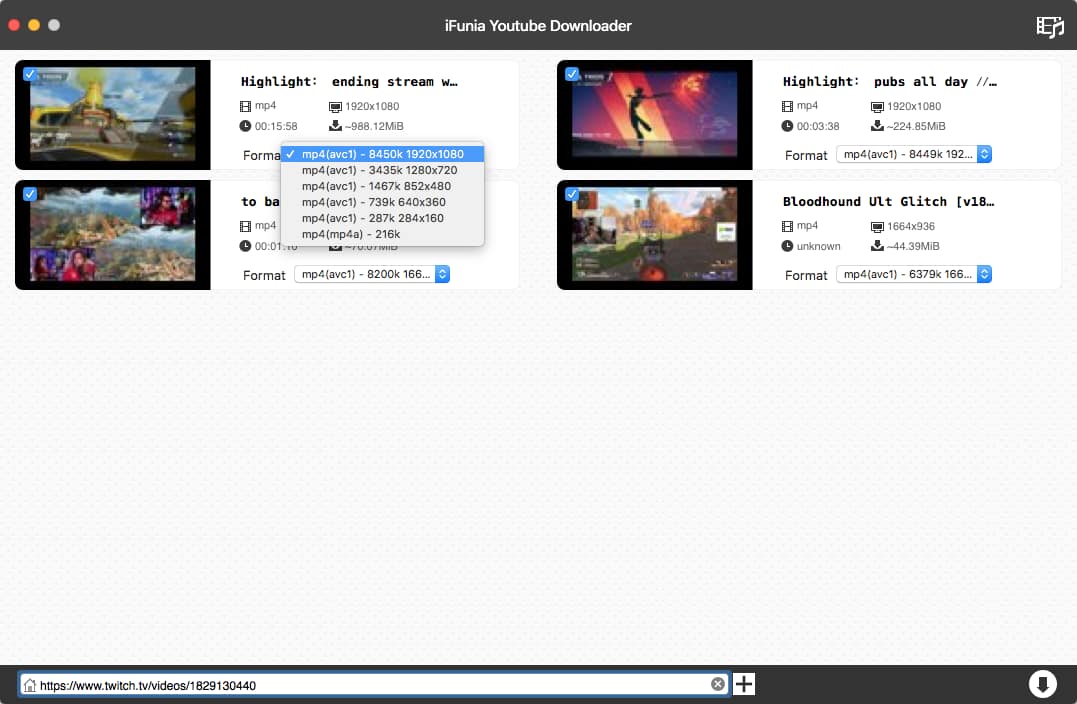
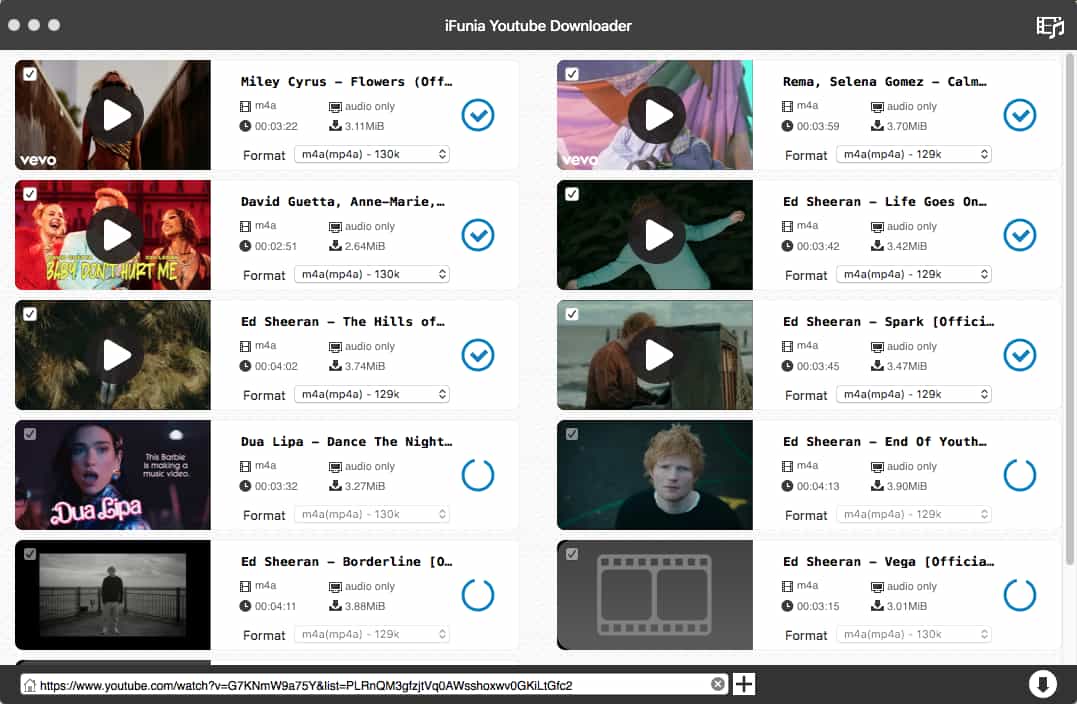
This user-friendly tool can download videos in batches to save your time and offers high-quality video output up to 8K FUHD, including YouTube videos. It offers the following main features:
- Download videos from YouTube, Facebook, Dailymotion, Bilibili and over 1000 other websites.
- Download multiple videos at once
- Provide resolution options up to 8K/4320p
- Download videos in popular formats like MP4, WebM to play in any video player on any device
- Extract audio from video
- Download YouTube videos, channels, shorts without limitation
- 30x faster speed
- Compatible with both Mac and Windows
 Free Download macOS 10.13 or later
Advantages:
- Supports a wide range of video sharing websites
- Batch download function
- Customize the quality and format of each video
- Download 1080p, 4K and 8K videos effortlessly
- Lightweight, easy and secure to use
Disadvantages:
- The free trial version only downloads 3 videos
#2. HitPaw Video Converter
Why recommend: Full-featured video downloader for Mac
Compatibility: macOS 10.13 or later
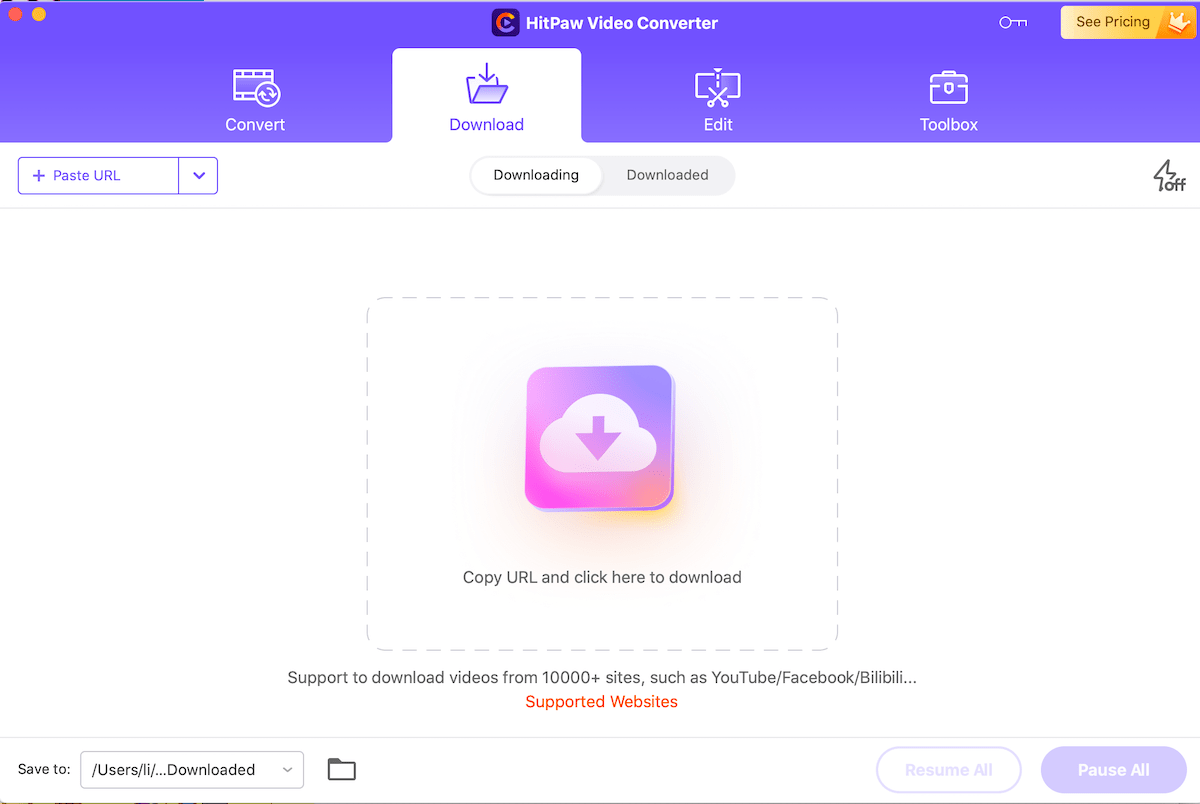
Hitpaw Video Converter is a 3-in-1 video management product that can convert, download and edit videos. Its video download feature allows you to download and convert video to MP4 or MP3, download thumbnails and subtitles. It also supports downloading video of up to 8K quality from 10,000 websites. You can find more functions in the Toolbox tab.
In short, this video downloader for Mac can be a bit overloaded with features if you’re looking for a lightweight downloader. It also takes more space and time to install.
Advantages:
- Support almost any website
- Support 4K and 8K video downloads
- All-in-one video downloader and converter
- Download YouTube and Facebook playlists
Disadvantages:
- Large software size
- Relatively expensive compared to other downloaders
#3. Downie 4
Why recommend: Designed for Mac users, moderate price
Compatibility: macOS 10.13 or later
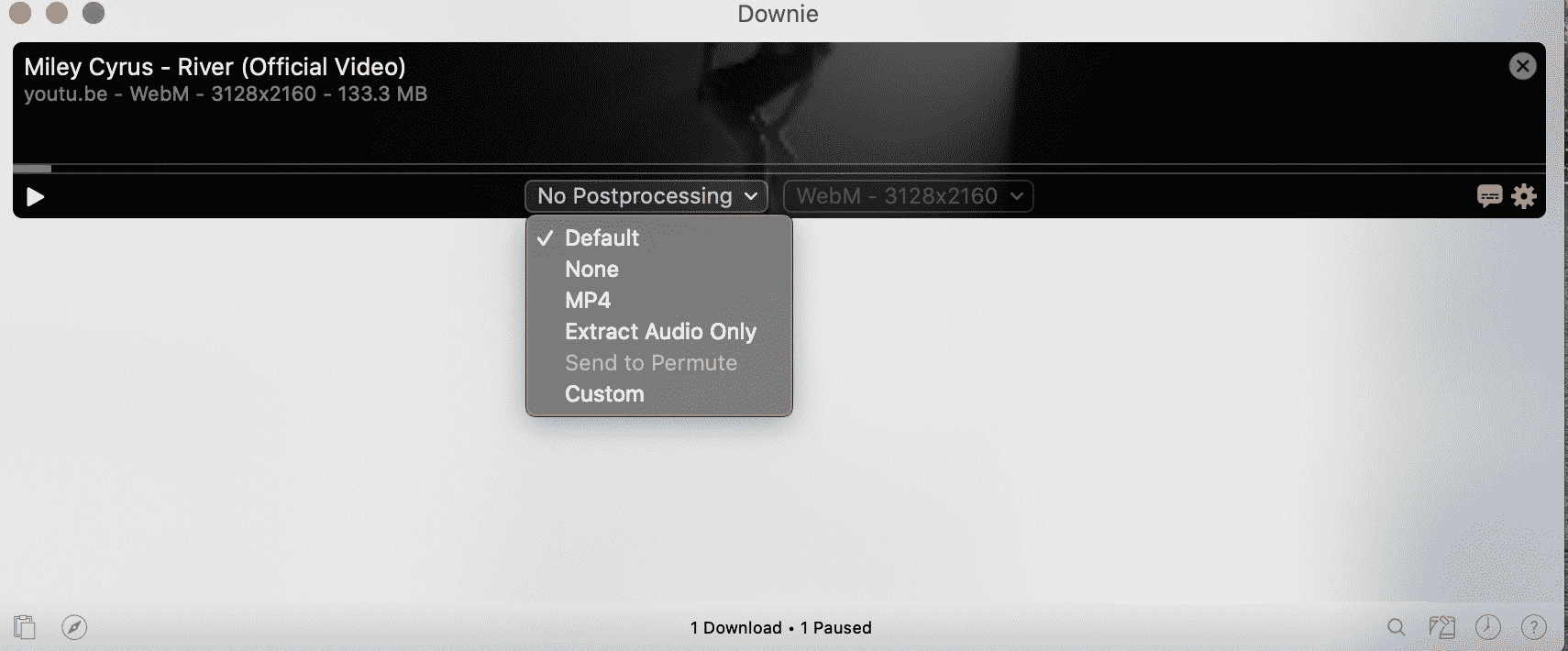
Downie is a handy video downloader designed for Mac. Curently supporting over 1,000 websites, Downie can download videos in MP4 or the original format without postprocessing. Users need to drag the video link to the interface or right-click to paste it.
Although the price is affordable and lower than other counterparts, users will still have to pay for future upgrades, such as Downie 5 coming next year. In my opinion, Downie 4 can be a good option for Mac users who already subscribed to the Setapp service.
Advantages:
- Support video resolution up to 4K
- Download YouTube playlists
- Support various major websites
- Sync download history across devices
Disadvantages:
- 7 days free trial limit
- No free lifetime upgrades
#4. ClipGrab (free)
Why recommend: Best cross-platform free video downloader
Compatibility: macOS 10.12 or later
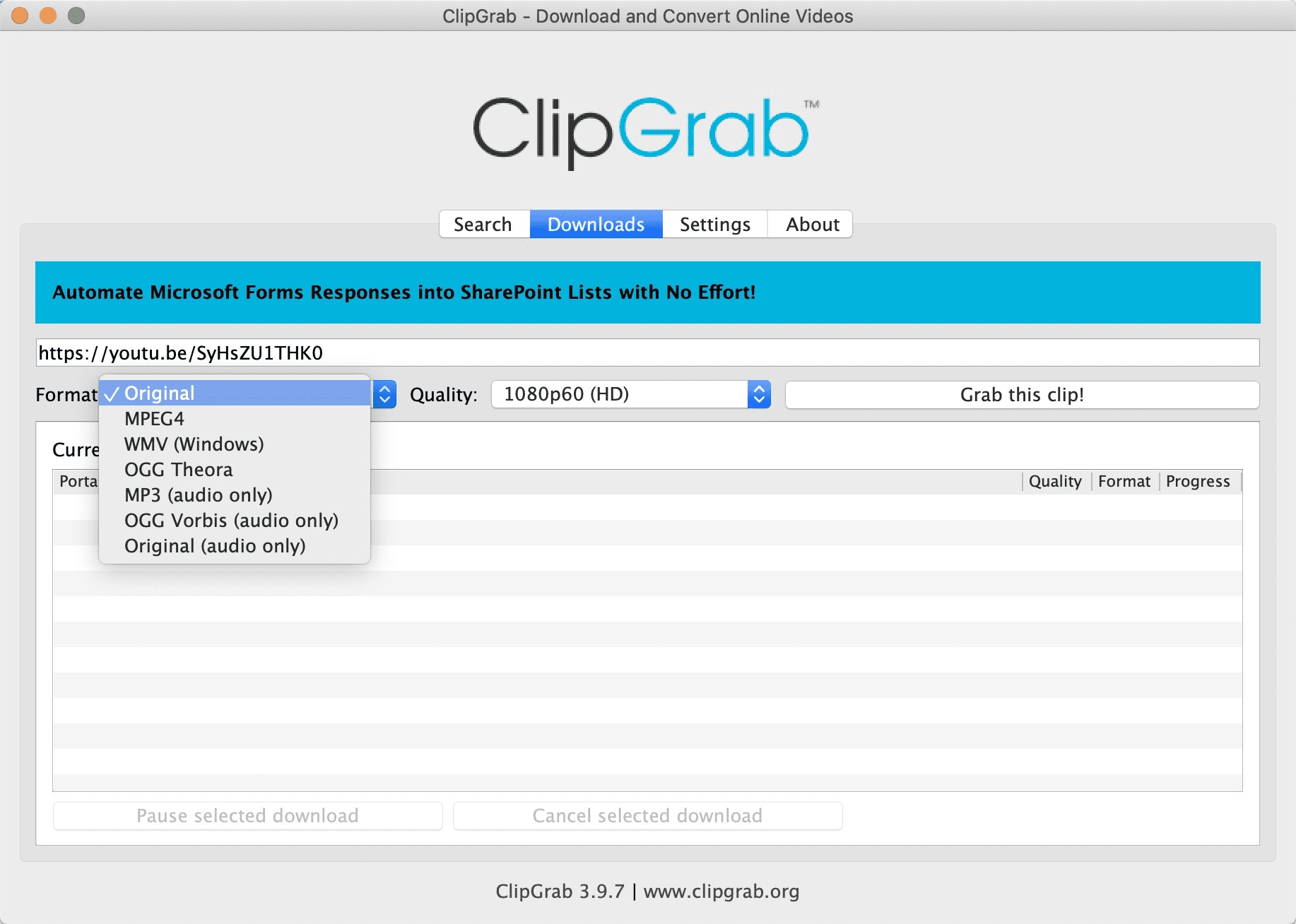
ClipGrab is a completely free video downloader for Mac. This open source software can download videos to MP4, WMV or audio formats in different resolutions up to 1080p. It supports several popular video sites including YouTube, Vimeo, Dailymotion and Facebook, which should satisfy the needs of most users. You may still try to download videos from other sites with ClipGrab, but the video quality would not be controlled according to my test.
In short, ClipGrab is without doubt an outstanding free video downloader that provides Mac users with a fast and ad-free downloading experience.
Advantages:
- Free and open source, no ads
- Download video in original format or convert to MP4, MP3,etc.
- Easy to use
Disadvantages:
- No bulk downloads
- No 4K support
- Only 4 websites are fully supported
#5. Softorino YouTube Converter Pro
Why recommend: Video metadata editor
Compatibility: macOS 10.15 or later
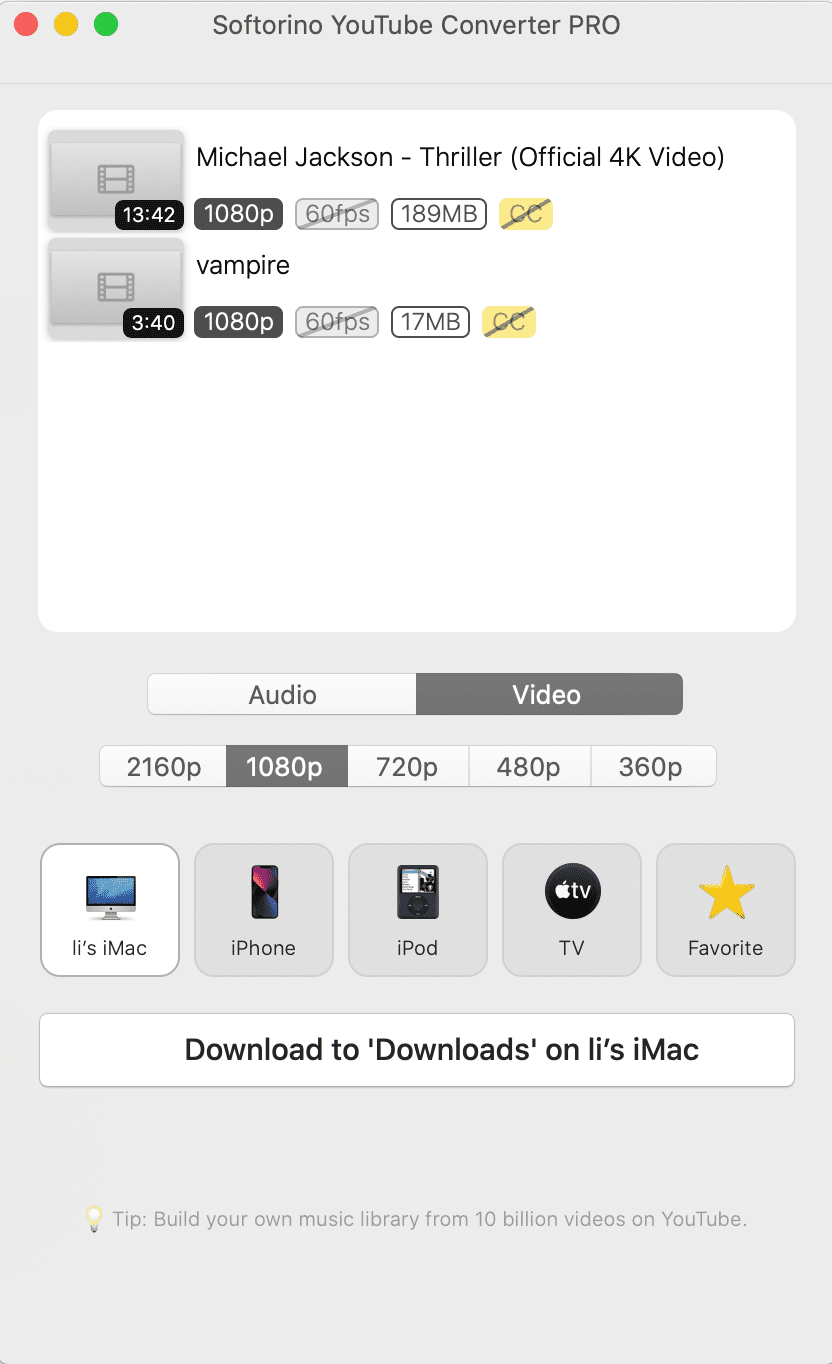
Softorino YouTube Converter Pro, or SYC PRO, is the third iteration of Softrino’s video downloader for Mac. Compared to its predecessor, SYC PRO brings a beautiful native macOS interface and metadata editing feature, supports direct video transfer from Mac to iPhone, iPod and Apple TV.
This web video downloader supports video quality from 360p to 4K 60fps, and downloads videos in MP4 or MP3 from YouTube, Vimeo, Dailymotion and SoundCloud.
Advantages:
- Simple interface
- Playlist and 4K support
- Direct-to-ios transfer
Disadvantages:
- Limited website support, no Facebook support
- Subscription only, no one-time purchase
- Need your email to get the a trial key
#6. Wondershare AllMyTube
Why recommend: Video conversion and transfer features
Compatibility: macOS 10.10 or later
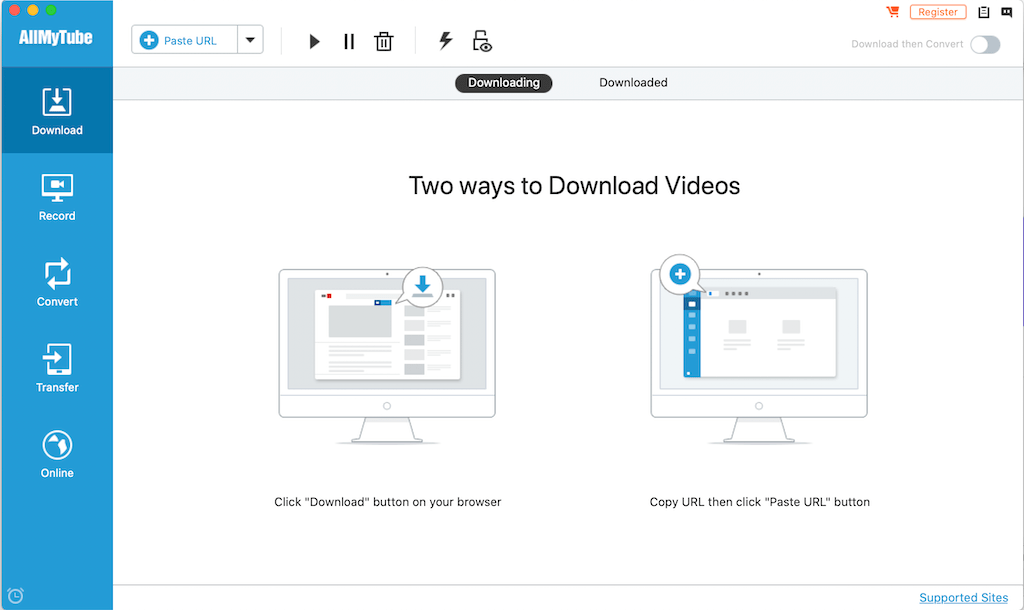
Similar to Hitpaw Video Converter, AllMyTube is another all-in-one app that combines an online video downloader and a powerful video converter. With this video downloader for Mac, users can download and record online videos, convert downloaded videos to desired formats and transfer them to portable devices using a USB cable.
But confusingly, it can often fail to download long videos in 4K MP4. Overall, Wondershare AllMyTube is a satisfactory downloader that gets most of the job done.
Advantages:
- Full-featured video downloader for Mac
- Private list feature
- Batch downloads
Disadvantages:
- Problems downloading long UHD videos
- Annoying pop-up ads
#7. Pulltube
Why recommend: Beautiful interface and cheaper price
Compatibility: macOS 10.13 or higher
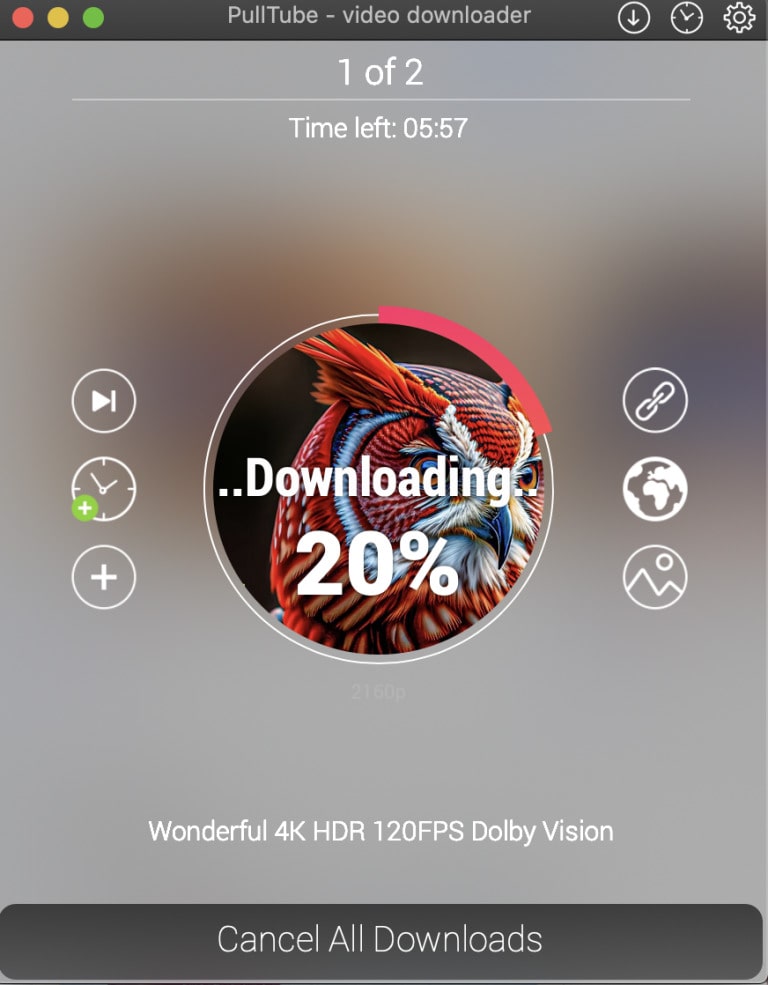
Pulltube is a beautiful media downloader for Mac that downloads online videos with subtitles from over 1,000 websites. It downloads videos to MP4 and supports high resolutions up to 8K.
Pulltube can only download one video at a time although you can add multiple URLs to the queue, and the download speed is not as fast as other competitors, making it less efficient. In short, Pulltube is an inexpensive video downloader for Mac with a stylish interface, suitable for downloading short videos.
Advantages:
- Support 4K and 8K videos
- Trim and view the online video
- Nice interface
Disadvantages:
- No simultaneous downloads
- Slower speed
- Unsatble, bugs and errors can occure
#8. YTD Video Downloader for Mac (free version)
Why recommend: Free to use
Compatibility: macOS 10.6 or later
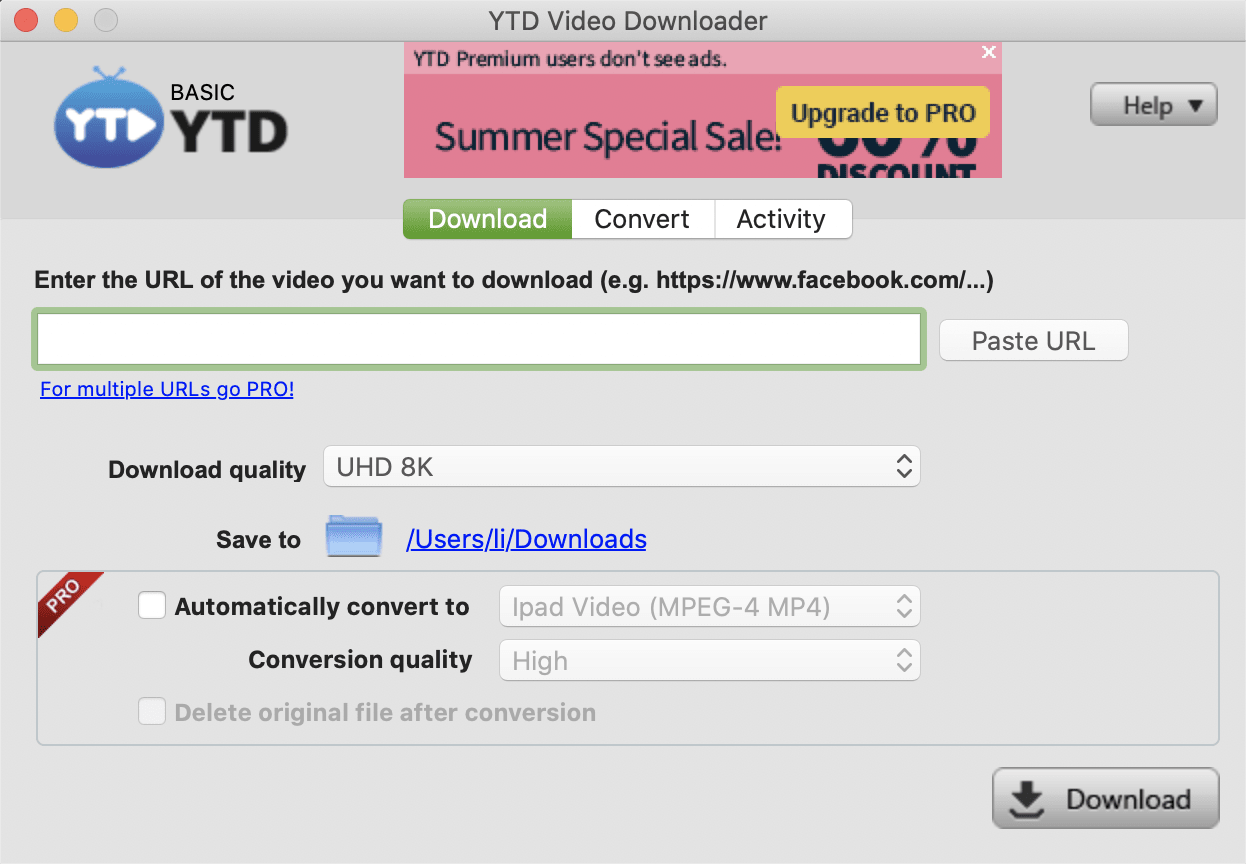
YTD Video Downloader is a popular software that lets users download videos from over 50 sites for free. Unlike ClipGrab, this free video downloader for Mac is not open source, and most of its vital features are limited. The free version of YTD offers 1 download per day, a maximun video quality of 720p, and a slow download speed under 1MB/s. Users must pay a monthly or yearly subscription for unlimited downloads and more advanced functions such as UHD resolution, multiple downloads and 2x faster speed.
Advantages:
- Free download video
- Video conversion function
- Simple interface
Disadvantages:
- No batch download
- Limited download per day
- Download speed is quite slow
#9. Savefrom.net (free & online)
Why recommend: Download videos for free on Mac without software
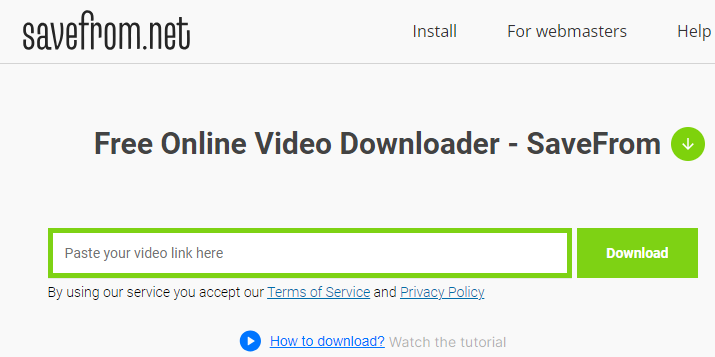
There are a number of web-based video downloaders out there, Savefrom.net being one of them. This free and online video downloader can download videos from several popular video-sharing sites, including YouTube, Facebook, VK, Twitter and more. Like most online downloaders, Savefrom supports up to 720p resolution for YouTube videos and lacks batch download feature or playlist support. Still, Savefrom.net is a convenient online video downloader for Mac users who don’t demand high video quality.
Advantages:
- Free and online
- Support several popular sites
Disadvantages:
- No batch download
- Limited video resolution
- Advertising page pops up every time you download a video
Comparing the Best Video Downloaders for Mac
| Video Downloader | Supported sites | Batch download | Video quality | Download speed | Extract audio from video | Supported OS | Price | Free trial limit |
|---|---|---|---|---|---|---|---|---|
| iFunia | 1,000+ | Yes | Up to 8K | Excellent | Yes | Mac & Win |
$19.99/one month $49.99/one-time fee |
3 videos |
| HitPaw | 10,000+ | Yes | Up to 8K | Fast | Yes | Mac & Win | $79.95 | 2 videos |
| Downie | 1,000+ | Yes | Up to 4K | Good | Yes | Mac | $19.99(No free upgrades ) | 7-day limit |
| ClipGrab | 4 | No | Up to 1080p | Fast | Yes | Mac & Win & Linux | Free | Free |
| SYC Pro | 4 | No | Up to 4K | Good | Yes | Mac | $35/year | 3 videos within 24 hours |
| AllMyTube | 1,000+ | Yes | Up to 4K | Good | Yes | Mac & Win | $39 | 2 videos |
|
Pulltube |
1,000+ | No | Up to 8K | Slow | Yes | Mac |
€14.99 |
14-day limit |
| YTD | 50+ | No | Up to 720p | Very slow | No | Mac & Win | Free | 1 video/day |
| SaveFrom.net | 11 | No | Up to 720p for YT videos | Fair | No | Browser-based | Free | Free |
How to download videos from any website on Mac with the best video downloader?
After trying dozens of free and paid video downloaders for Mac, we're convinced that iFunia Video Converter is the best option that you can't go wrong with. You can download any video from the web in a few simple steps:
Step 1. Download and install iFunia YouTube Downloader.
Free Download macOS 10.13 or later
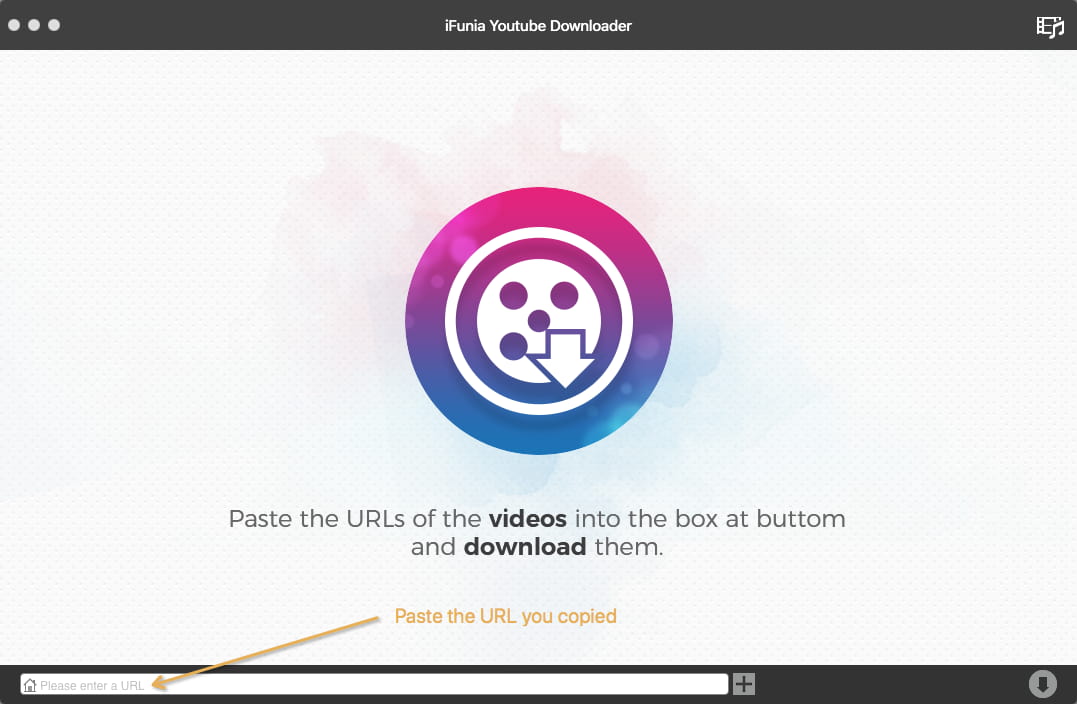
Step 2. Copy and paste the URL of the video into the field. Press Enter to start parsing.
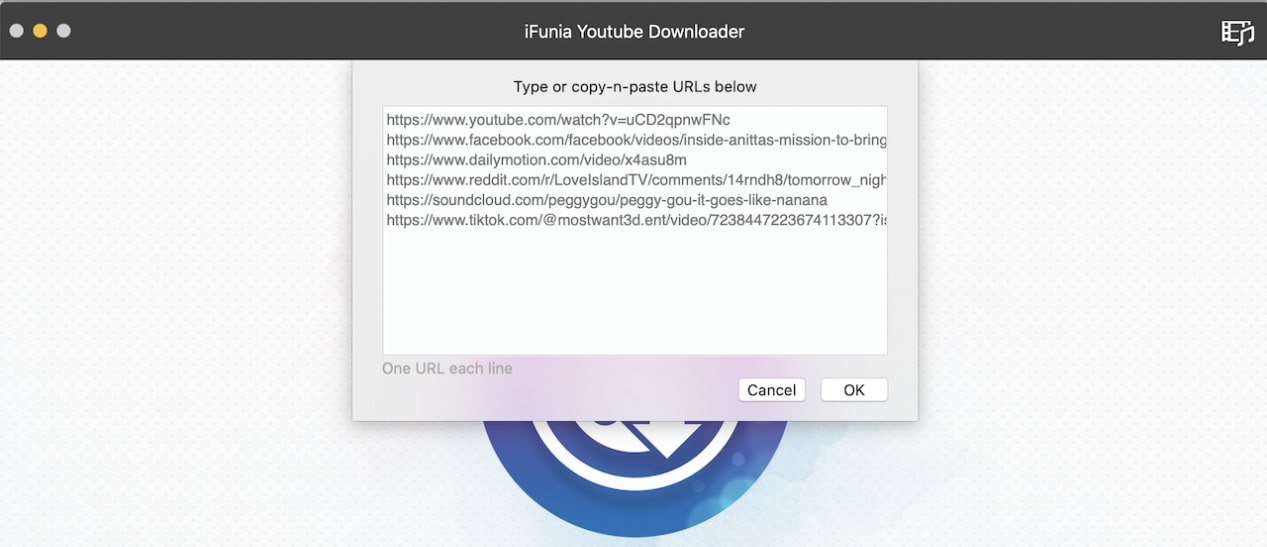
To add multiple URLs, go to File > Add URLs. Copy and paste all the video URLs into the dialog box and click OK.
Step 3. Select the video quality and format from the "Format" drop-down list.
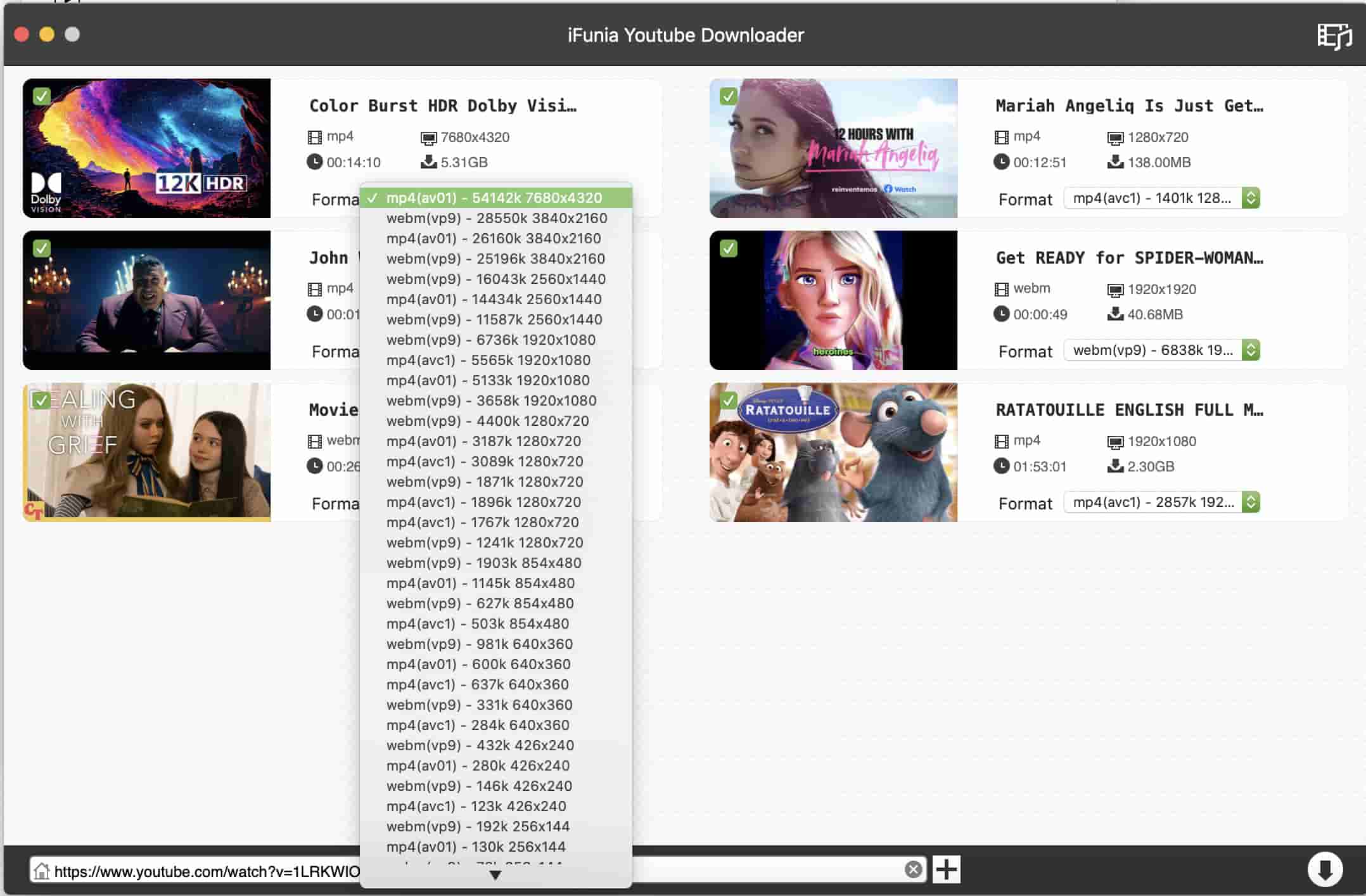
Step 4. Click the Download icon to start downloading videos to Mac simultaneously. You can find the downloaded videos by clicking the Check icon.
Conclusion
Ultimately, the best video downloader for Mac will depends on factors such as the websites you want to download from, your preferred video format and resolution, and whether you need additional features such as format conversion. For occasional video downloads, you can use free video downloaders like ClipGrab and YTD Video Downloader. However, for efficient and reliable downloading, paid optioins like iFunia and HitPaw are always better options.
Disclaimer
Downloaded videos or audio are for personal use only. You must comply with copyright laws and obtain permission from the owner for protected content. The author strongly opposes downloading unauthorized content or using it for commercial purposes.

Chloe LEE is good at explaining and solving complex technology problems to her readers. Since joining iFunia Studio, she has focused on writing articles about video and DVD software, and how-to tutorials.
Comments (0)
Leave a Reply